Best Chrome Extensions for Time Management in 2026: RescueTime, Rize, Opal, Toggl, Clockify, and dTime Compared

The best Chrome extensions for time management usually solve different parts of the same problem: measurement, focus, planning, and friction. The right stack depends on whether you need visibility, control, or both.

Updated May 1, 2026Guide

Quick answer

Use the table first. RescueTime and Rize are stronger for automatic system-wide tracking. Opal is stronger for blocking and focus friction. Toggl Track and Clockify are stronger for timesheets and reporting. dTime is strongest when your main problem lives inside the browser and the same website can mean work in one moment and distraction in the next.

At a glance: RescueTime vs Rize vs Opal vs Toggl vs Clockify vs dTime

Feature dTime RescueTime Rize Opal Toggl Clockify
System-wide tracking X O O O O
Browser-first focus O X
Same-site intent split O X X X X X
Mixed-use website handling O X X X
Context-aware categorization O O X X X
Category-based limits O O X X
Privacy-first / local-first O X X

Quick look at each tool

RescueTime product screenshot
RescueTimeRescueTime is strongest when you want automatic tracking across apps and websites, focus sessions, and mature reporting. It is a better fit for broad visibility across the whole day than for interpreting what happened inside one mixed-use website.
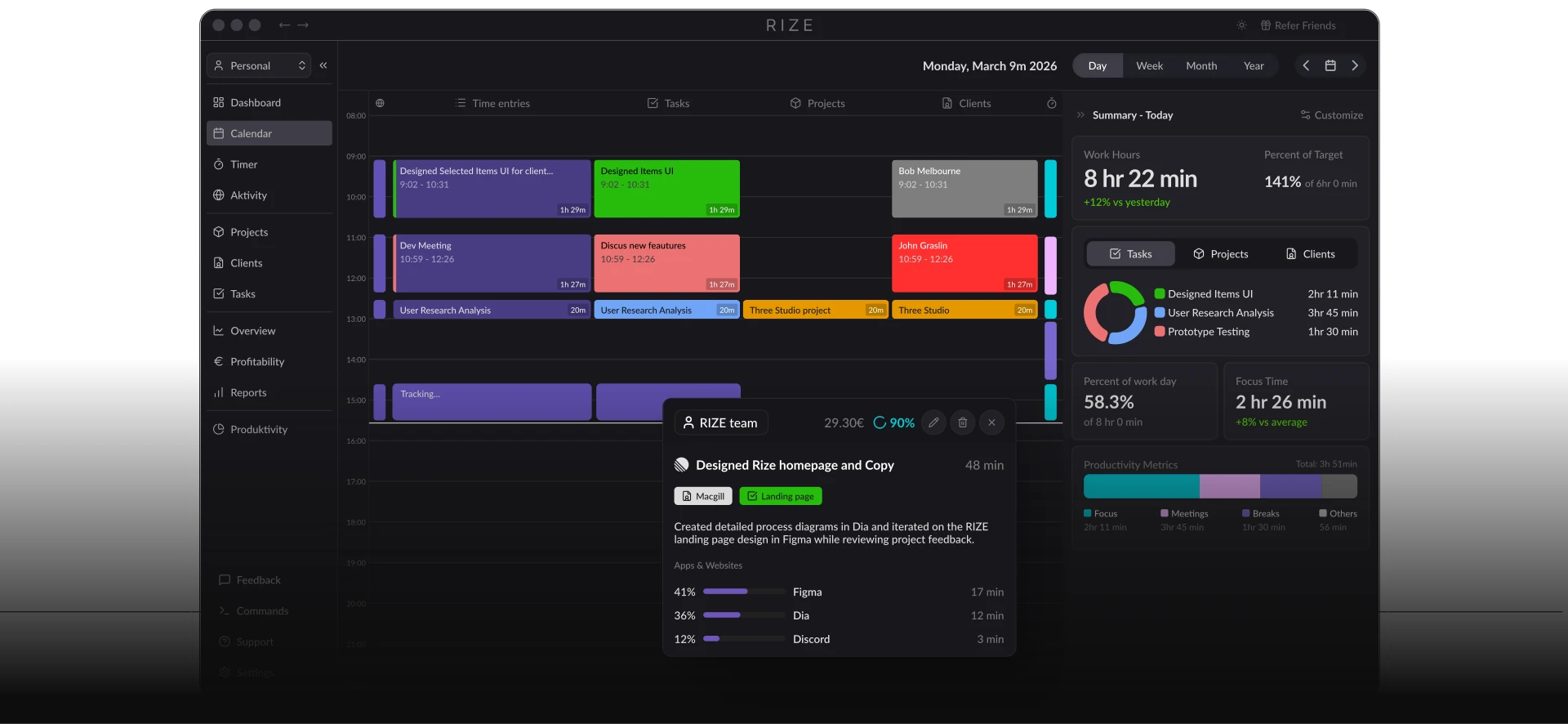
Rize dashboard screenshot
RizeRize is a desktop-first tracker built around automatic capture, AI-style categorization, productivity scoring, and billable-time visibility. It is especially appealing for solo professionals and teams who want structured analytics without manually running timers.
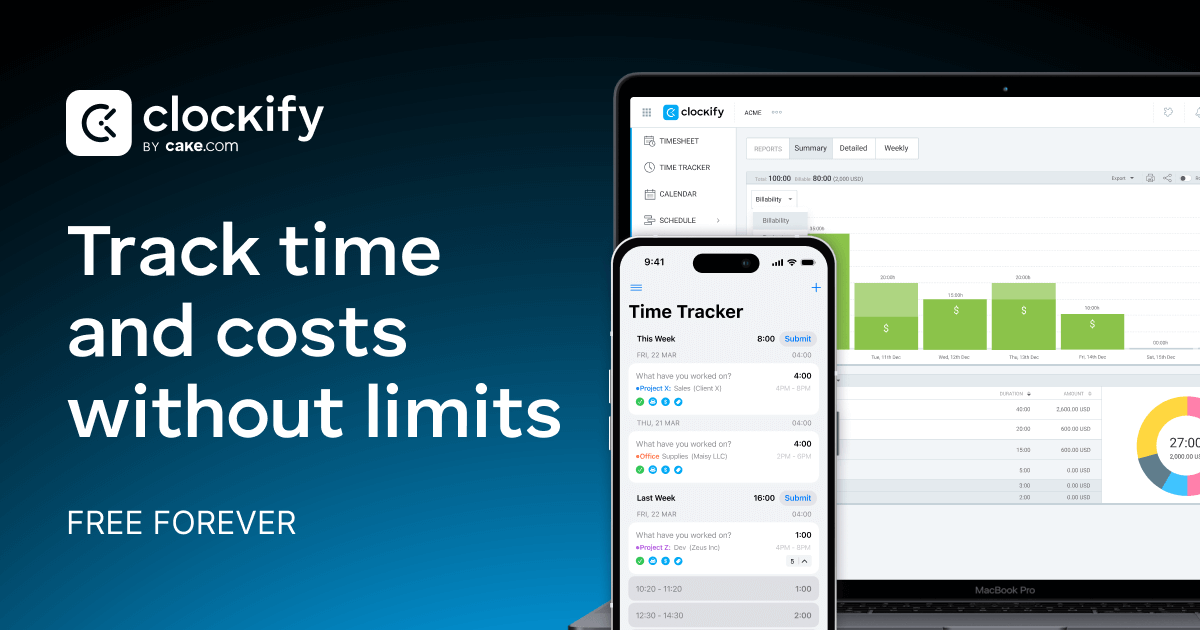
Clockify product screenshot
ClockifyClockify is useful when you care about projects, timesheets, team reporting, and a broad cross-platform time tracker. It is much more of a general work management tool than a browser-specific behavior tool.

Which one should you choose?

Choose RescueTime or Rize if you want automatic tracking across your whole computer and you care more about broad visibility than browser nuance.

Choose Opal if your main need is stronger blocking, limits, and focus friction rather than analysis.

Choose Toggl Track or Clockify if you care most about timesheets, billing, client work, and team reporting.

Choose dTime if your biggest blind spot is what your browser time actually meant on mixed-use websites.

Where dTime fits

dTime is the one to choose when generic tracking is not enough. If one YouTube session is research and the next is drift, dTime is built around that distinction instead of flattening both into the same domain-level total.

If you want the personal backstory behind that idea, read I Built Detime After Watching Myself Press “15 More Minutes”.